If you do not want to buy a done for you gaming PC then you can build your own.Building your own gaming PC can be a fun and rewarding process that allows you to customize your setup to fit your specific needs. However, it's important to ensure you have all the essential components to build a high-performance gaming rig that can handle the latest games with ease.
The first component you'll need is a powerful processor, such as an Intel Core i7 or AMD Ryzen CPU. This will be the brains of your gaming PC and will determine how well it can handle demanding games and applications. Make sure to choose a processor that is compatible with your motherboard to avoid any compatibility issues.
Next, you'll need a high-quality graphics card to ensure smooth gameplay and stunning visuals. Nvidia and AMD offer a range of GPUs to suit different budgets and performance needs. Look for a graphics card with at least 6GB of VRAM for optimal performance in modern games.
In addition to a powerful processor and graphics card, you'll also need plenty of RAM to ensure smooth multitasking and gaming performance. Aim for at least 16GB of DDR4 RAM, but consider going for 32GB if you plan on running multiple applications or streaming while gaming. Lastly, don't forget to invest in a high-quality power supply unit to ensure stable and reliable power delivery to all your components. With these essential components in hand, you'll be well on your way to building the gaming PC of your dreams.
Optimal Display: Choosing the Right Monitor
Choosing the right monitor is crucial for any gaming setup, whether you are a casual player or a hardcore gamer. The optimal display can make a significant difference in your gaming experience, from visual clarity to response time. When selecting a monitor, there are a few key factors to consider to ensure you get the most out of your gaming sessions.
First and foremost, resolution plays a critical role in how sharp and detailed your games will appear. For most gamers, a 1080p (Full HD) monitor will suffice, providing a good balance between performance and visual quality. However, if you want to experience the most immersive graphics and details, a 1440p or even 4K monitor may be worth the investment.
In addition to resolution, refresh rate is another important factor to consider when choosing a gaming monitor. A higher refresh rate, such as 144Hz or 240Hz, can result in smoother gameplay and reduced motion blur, especially in fast-paced games. Pairing a high refresh rate monitor with a powerful graphics card can significantly enhance your gaming experience.
When it comes to response time, lower is better. A lower response time, typically measured in milliseconds (ms), means the monitor can display fast-moving images more quickly and accurately. Look for a monitor with a response time of 1ms or 5ms for optimal performance in even the most intense gaming scenarios. By carefully considering these factors, you can select the ideal monitor for your gaming setup and enjoy a visually stunning and responsive gaming experience.
Customizing Your Rig: Accessories for Gaming Comfort
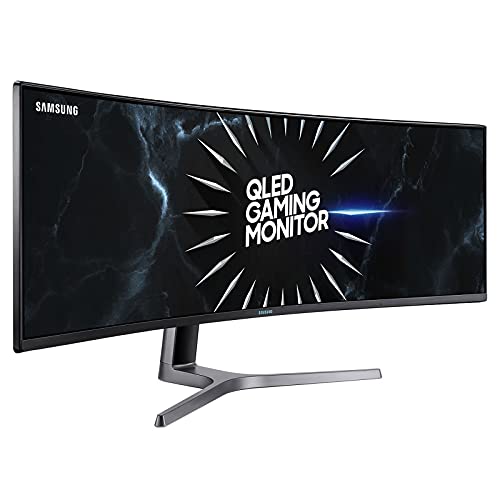
Samsung 49" Curved LED Gaming Monitor - Dual WQHD
Immersive Gaming Experience with Dual WQHD Display on Samsung 49" Curved LED Monitor
Product information
SGD 2,750.72
Product Review Score
4.94 out of 5 stars
226 reviewsProduct links
When it comes to gaming, having the right setup can make all the difference in terms of comfort and performance. One important aspect of customizing your rig is choosing the right accessories to enhance your gaming experience. Here are some accessories that can help you create the perfect gaming setup tailored to your comfort needs.
Investing in a quality gaming chair is essential for long gaming sessions. Look for a chair that offers lumbar support, adjustable armrests, and a comfortable seat cushion. These features can help reduce fatigue and discomfort, allowing you to stay focused and comfortable during extended gaming periods.
Another must-have accessory for gaming comfort is a keyboard wrist rest. This accessory can help prevent wrist strain and discomfort during gaming sessions by providing support for your wrists while typing or using a mouse. Look for a wrist rest that is ergonomically designed and made from comfortable materials to ensure maximum comfort.
Lastly, consider getting a gaming headset with a comfortable headband and ear cushions. A good headset can provide immersive sound quality and clear communication with other players, while also reducing strain on your ears and head during long gaming sessions. Look for a headset that is lightweight and has adjustable features to ensure a comfortable fit for hours of gaming enjoyment.
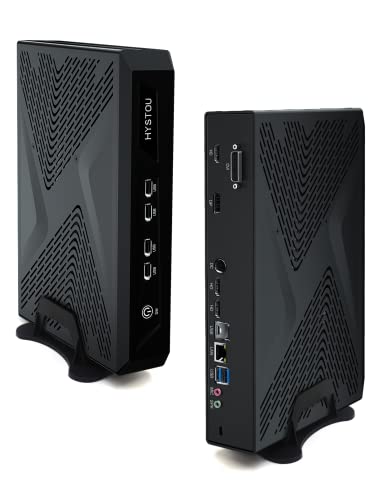
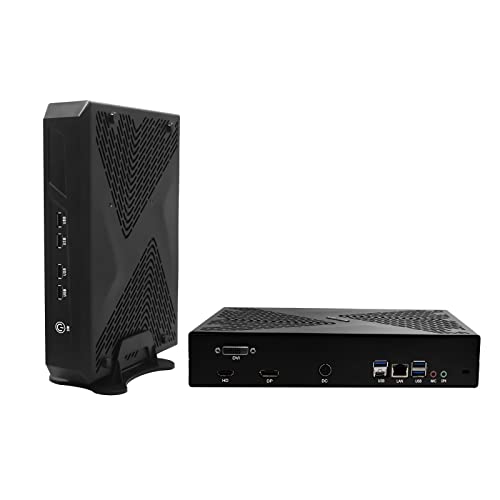
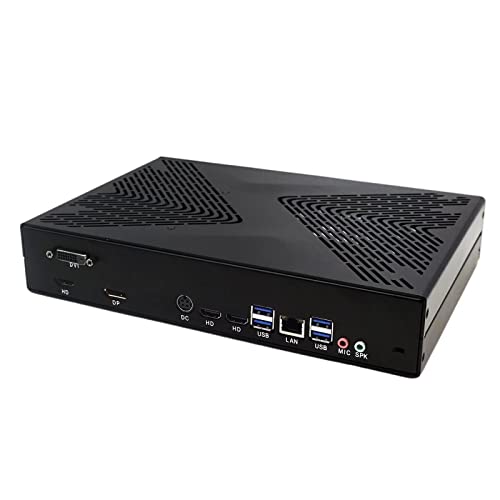
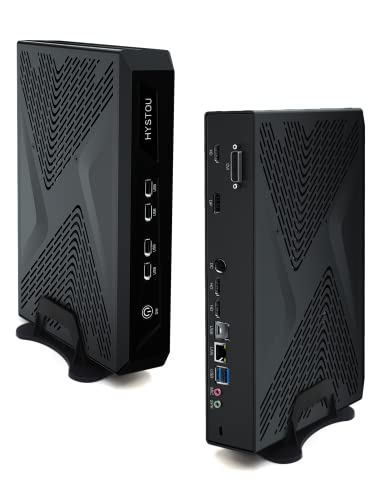
Mini Gaming PC GTX1650 GDDR6 Core i9-11900 Windows 11
Ultimate Power in a Compact Design for Gamers and Creators
Product information
SGD 2,675.03
Product Review Score
4.36 out of 5 stars
28 reviewsProduct links
Maintenance Tips: Keeping Your Setup in Top Shape
So, you've spent countless hours researching and building your dream gaming setup. Now that it's all up and running, it's important to keep it in top shape to ensure optimal performance and longevity. Here are some maintenance tips to help you get the most out of your PC and monitor.
First and foremost, regularly clean your setup to prevent dust buildup. Dust can not only affect the appearance of your gear but also lead to overheating and other performance issues. Use a soft, dry cloth to gently wipe down the surfaces of your PC and monitor. For hard-to-reach areas, consider using compressed air to blow away the dust.
In addition to cleaning, it's crucial to update your software and drivers regularly. This will not only ensure that your games run smoothly but also protect your setup from security threats. Keep an eye out for updates from your hardware manufacturers and install them as soon as they become available.
Finally, don't forget to properly shut down your PC and monitor when they're not in use. This will not only save energy but also prevent unnecessary wear and tear on your gear. Additionally, consider investing in a surge protector to protect your setup from power surges and fluctuations. By following these maintenance tips, you'll be able to enjoy your gaming setup for years to come.
Discover the ideal gaming set up here